Face Morphing
A face-morphing music video that I made.
Basic Morphs
To morph two faces together, one can follow this rough outline:
- Identify feature points on both images
- Create a triangulation from one of the sets of points, and apply it to each image.
- For timestep t out of N timesteps, take the weighted average of each pair of points from the two images, with weights t/N and (N-t)/N. Recover the triangulation on this new set of points. (This amounts to performing an affine transform on each triangle.)
- Fill the new transformed pixels using the inverse of the affine transform from step 3 to pluck pixel values from the original images. Cross dissolve them proportionally to the timestep.
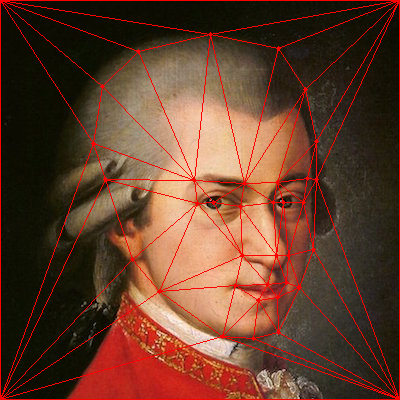
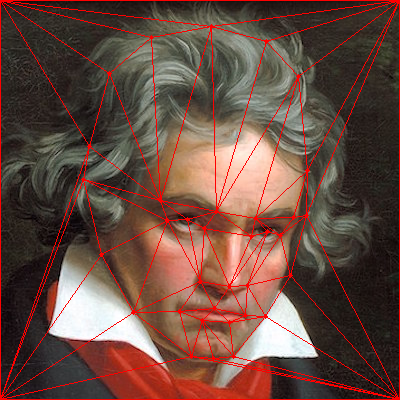
Below are examples of the feature points used to morph Mozart and Beethoven. The triangulation on Mozart is the version that ended up being used.
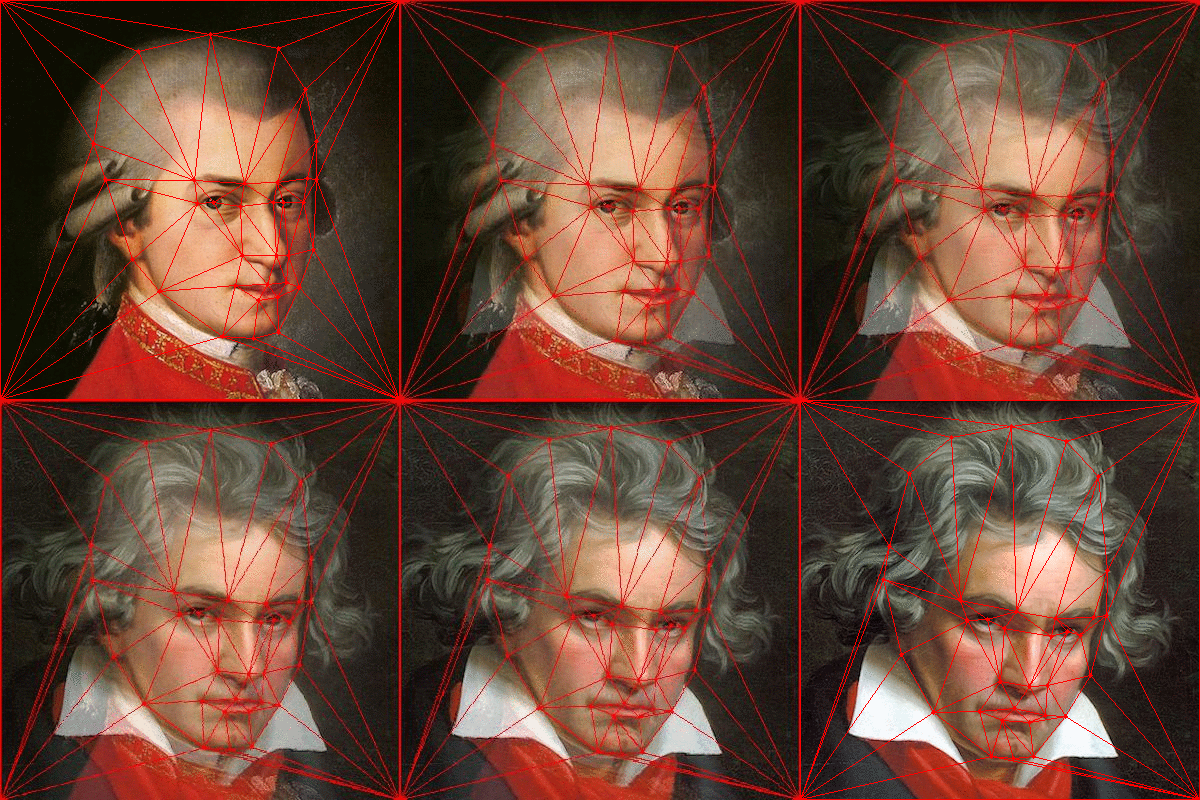
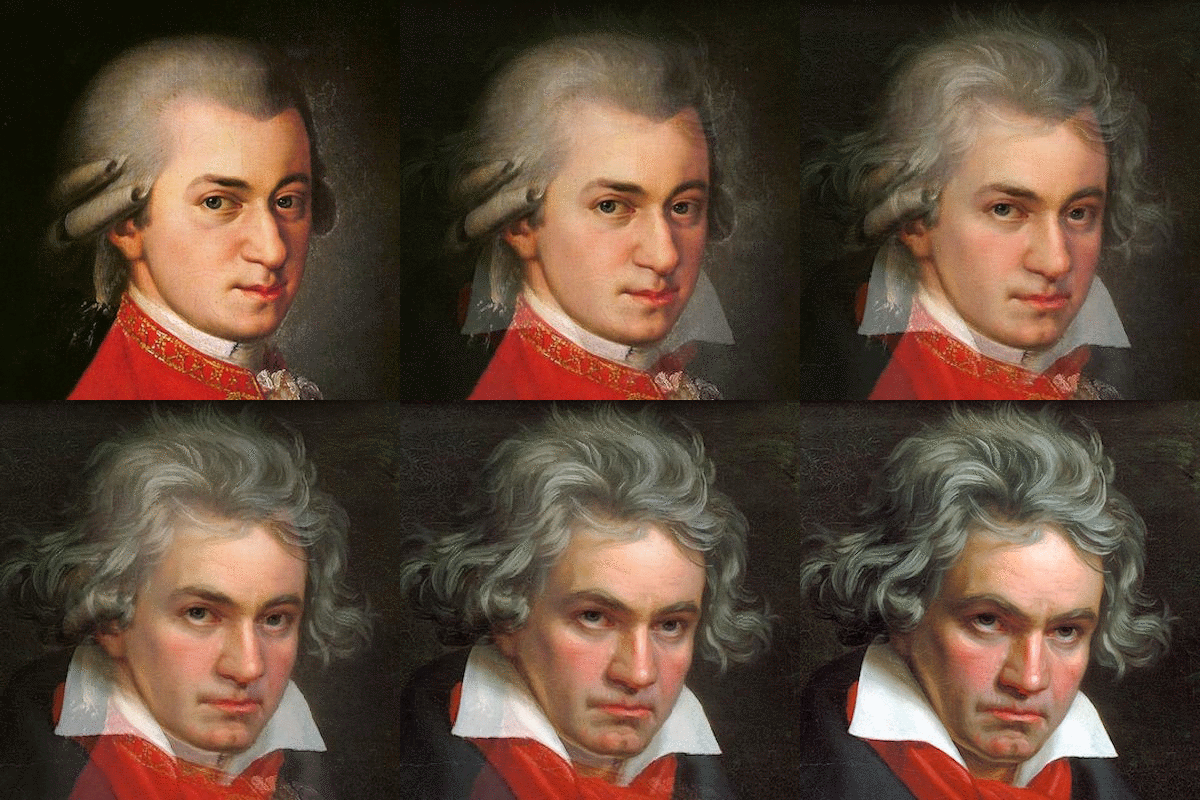
Here’s an unmarked version of the morph, and the “halfway” face.
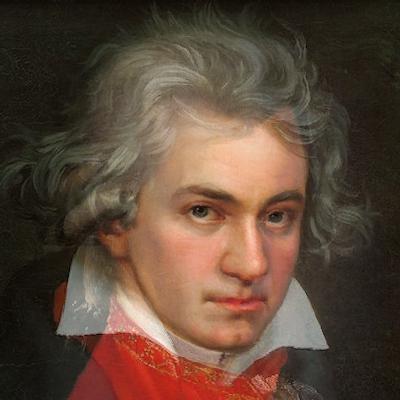
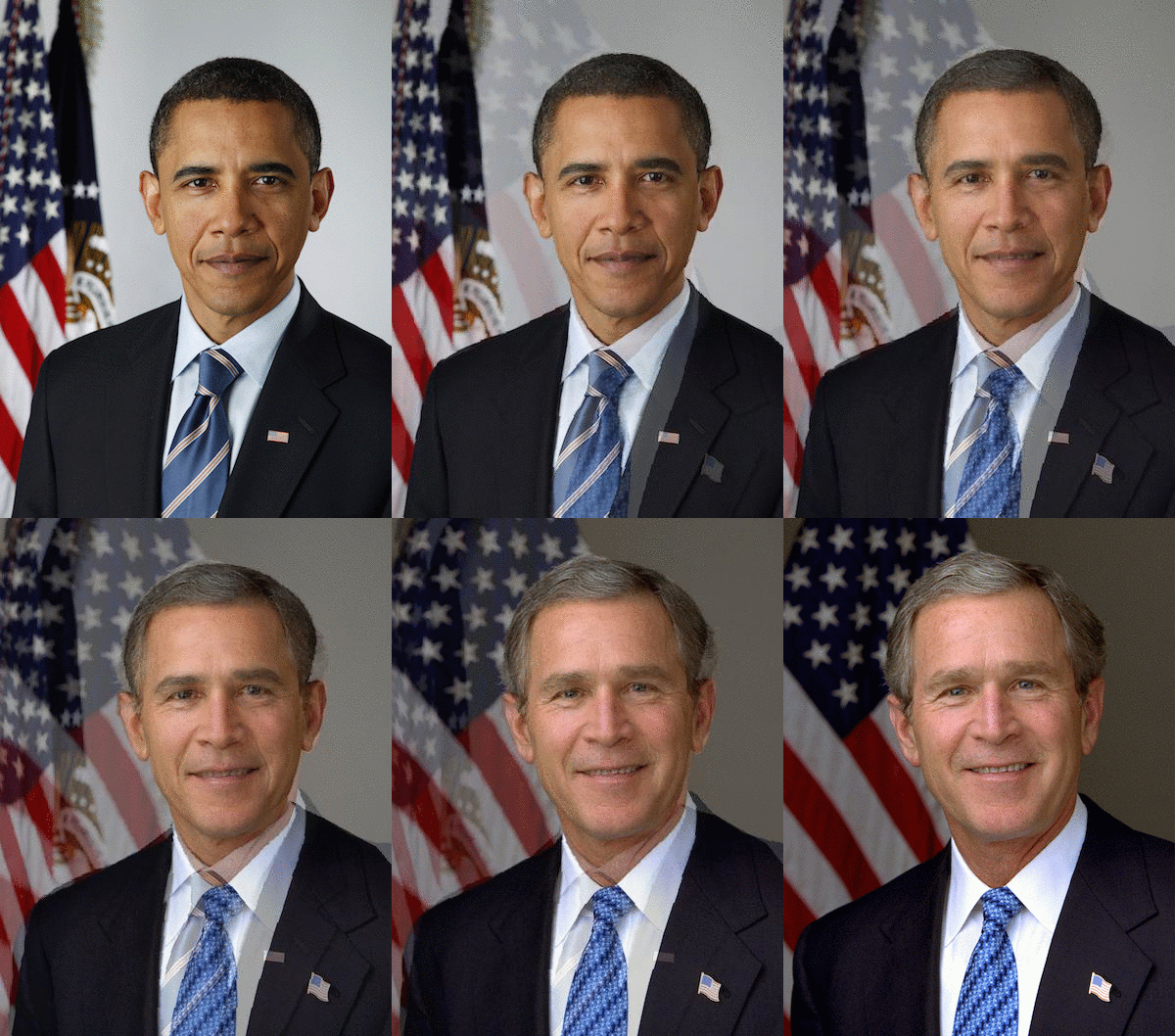
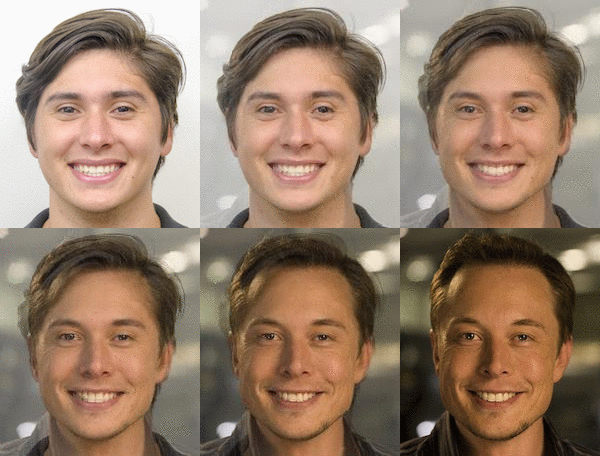
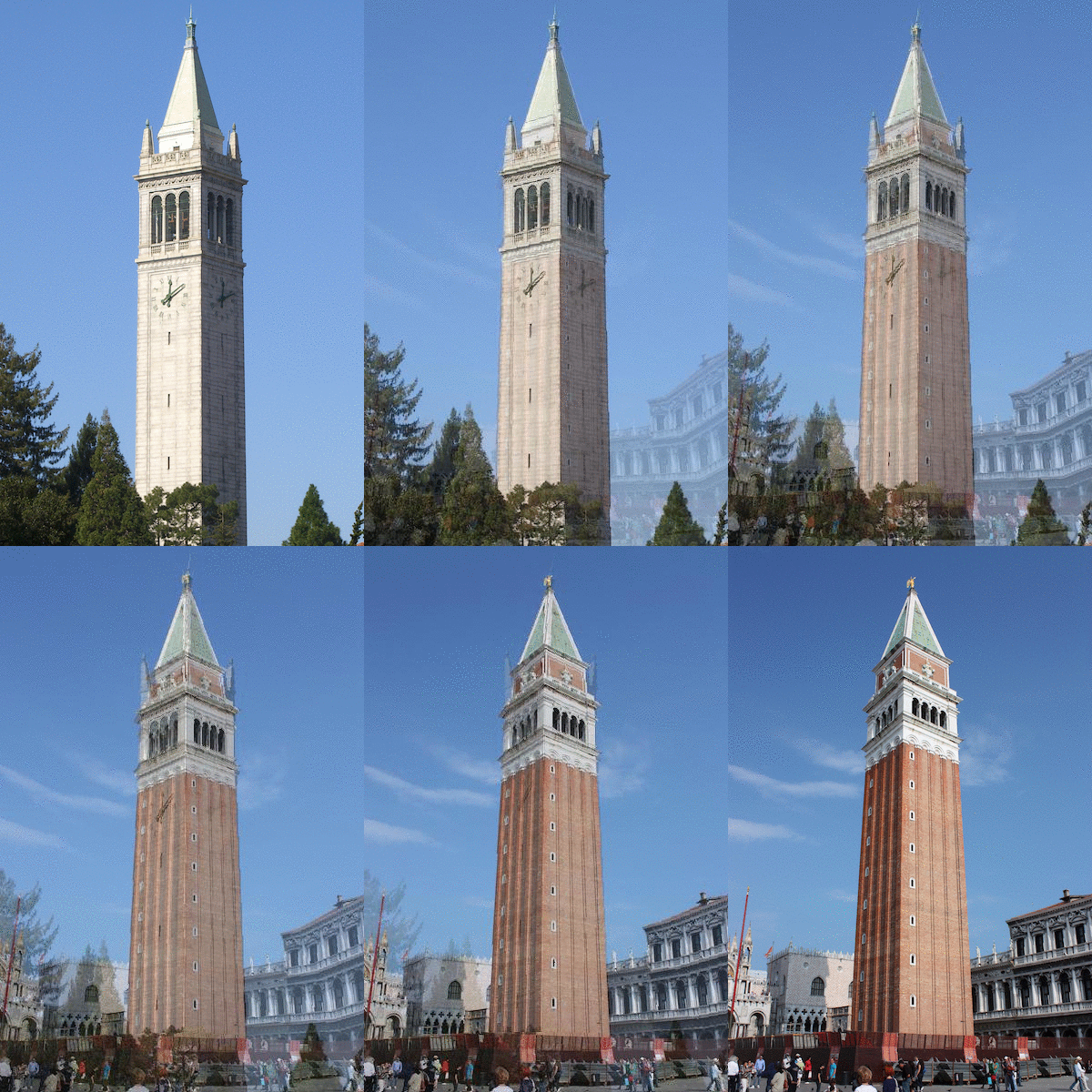
I had some fun morphing people, and sometimes things. Here are some examples:
Average Face
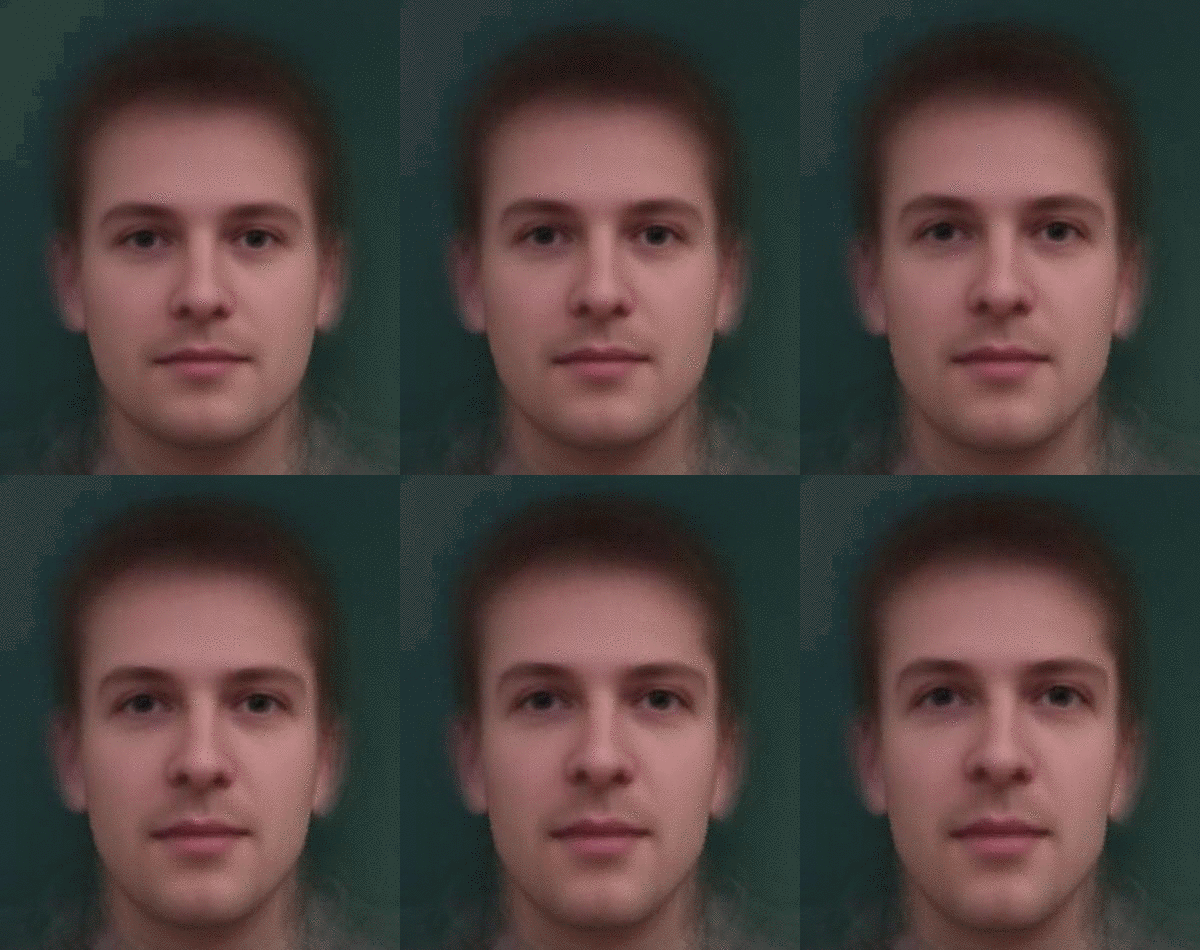
Here, we play around with a dataset of Danish faces. First, we try to find the “average Danish face”.
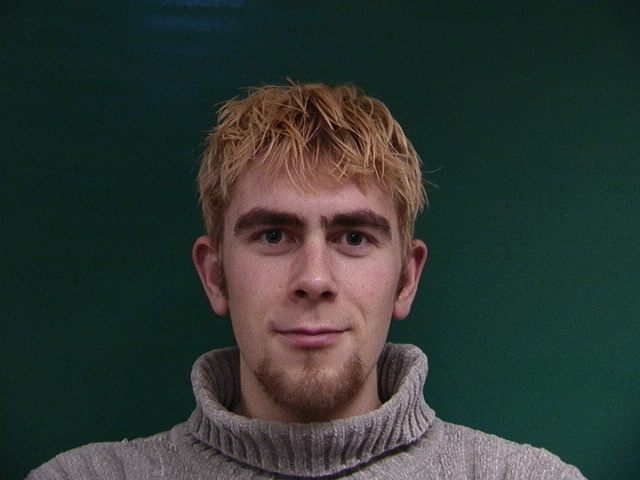
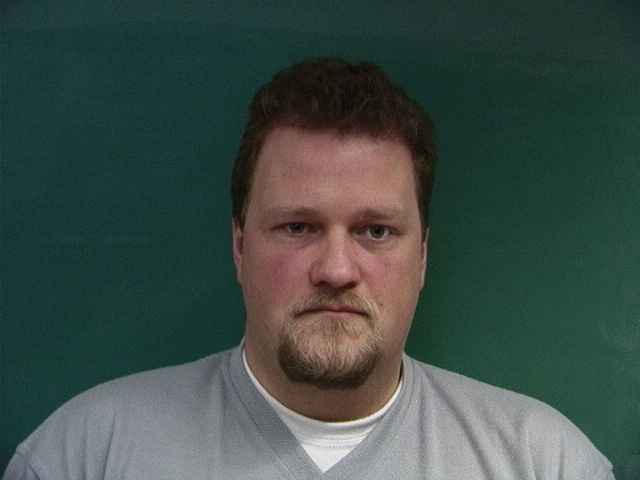
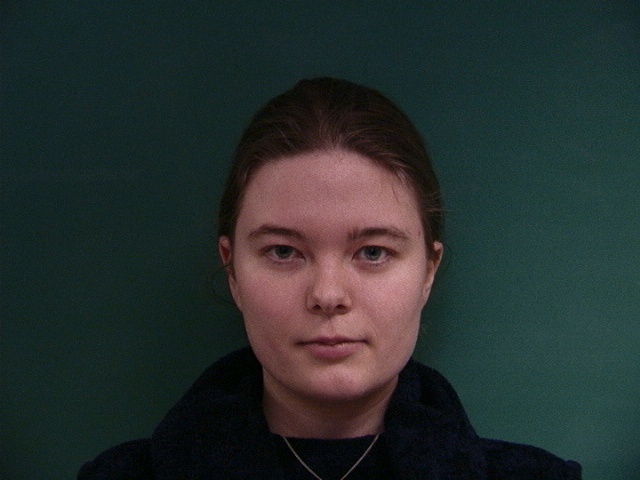


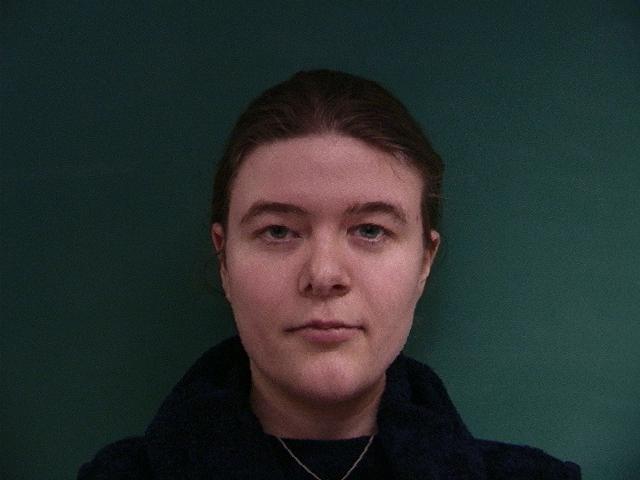
Each of the original Danes’ faces define “Danish space”, as illustrated below. The average of all of the Danish faces is the “Average Dane”.
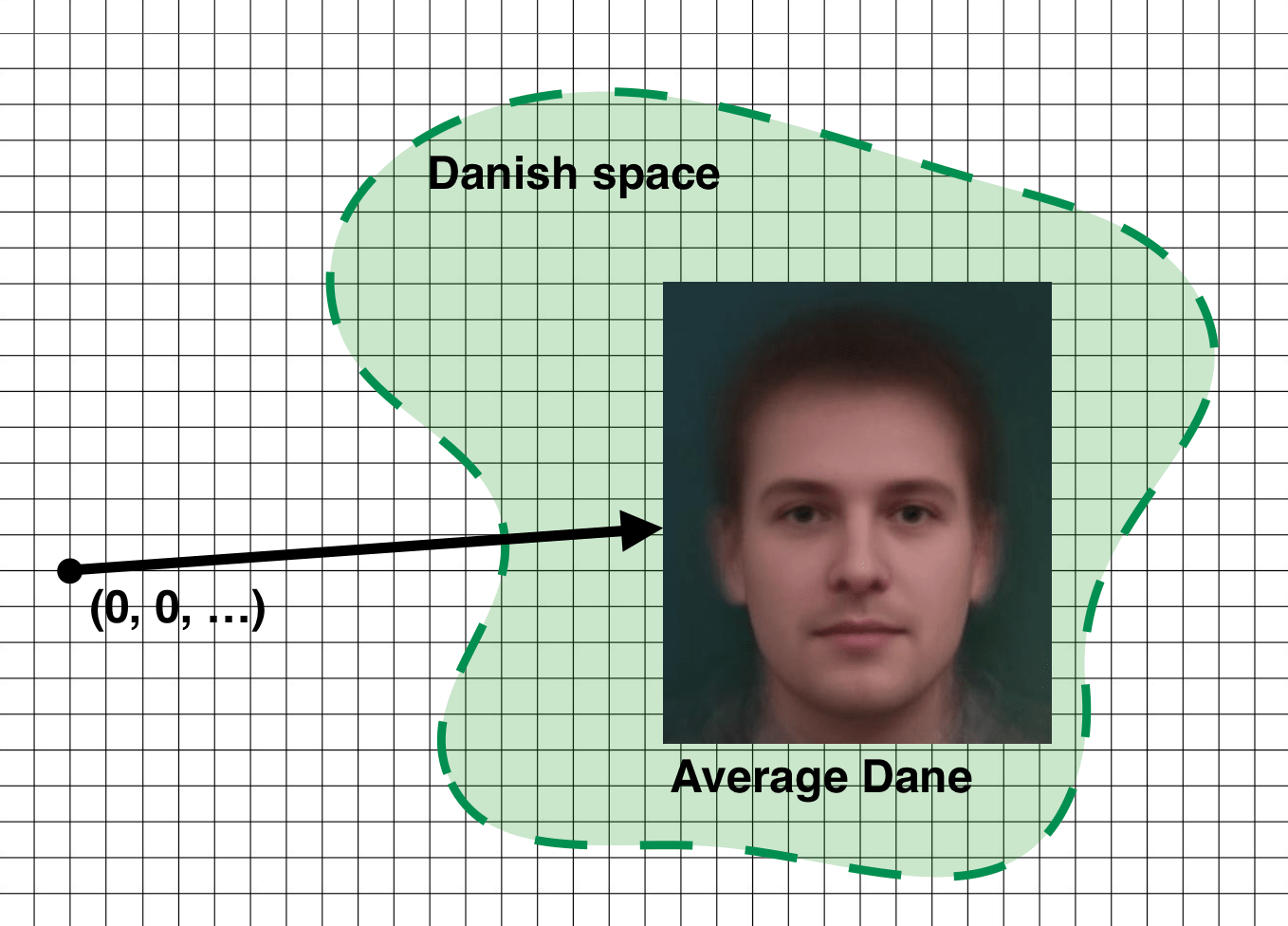
My (Steven’s) face also exists in space, somewhere. By morphing my face to the geometry of the average Dane, we can push my face further toward the Danish space.
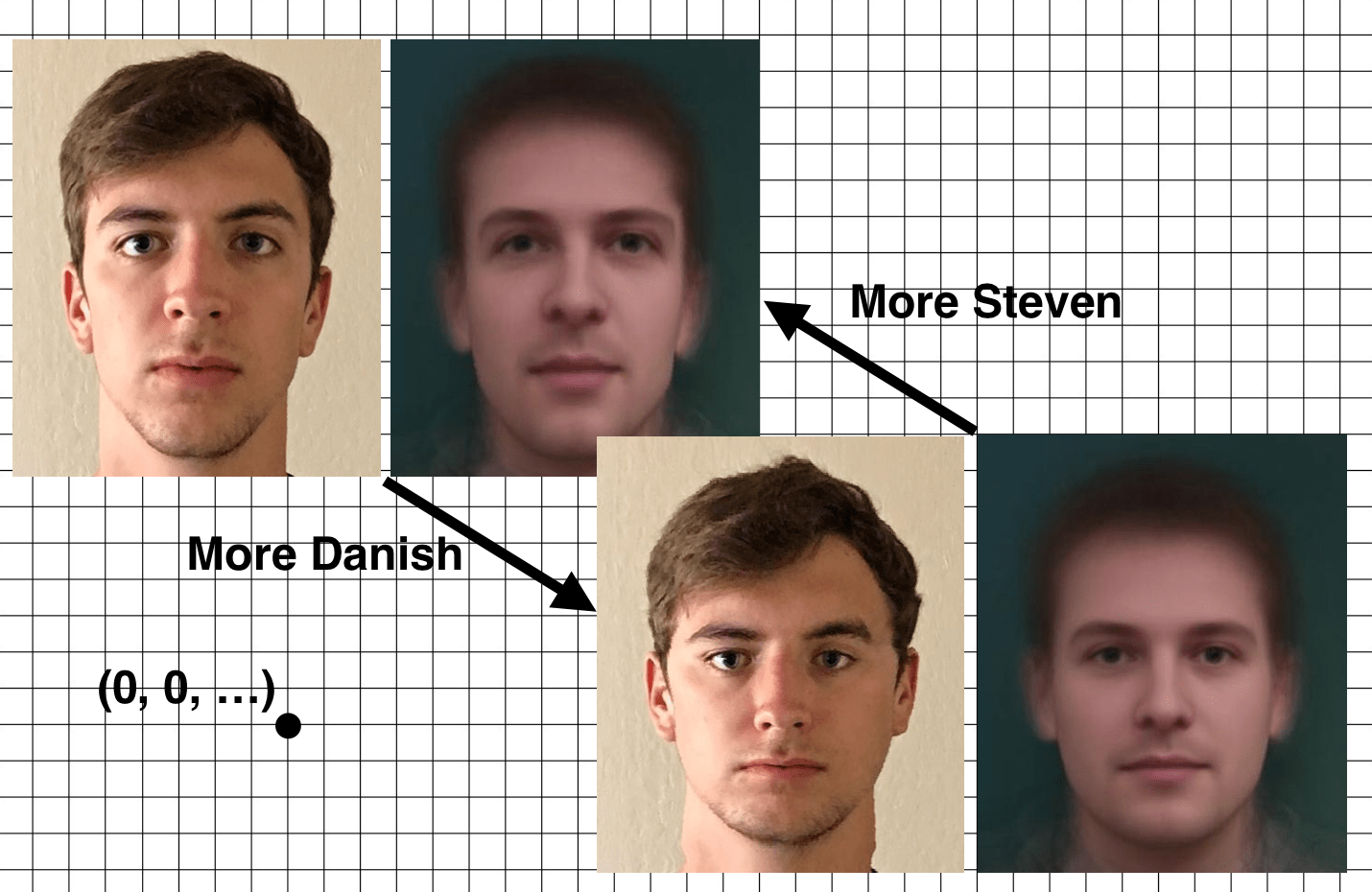
Here are the live action morphs illustrated in the above figure.

Caricatures
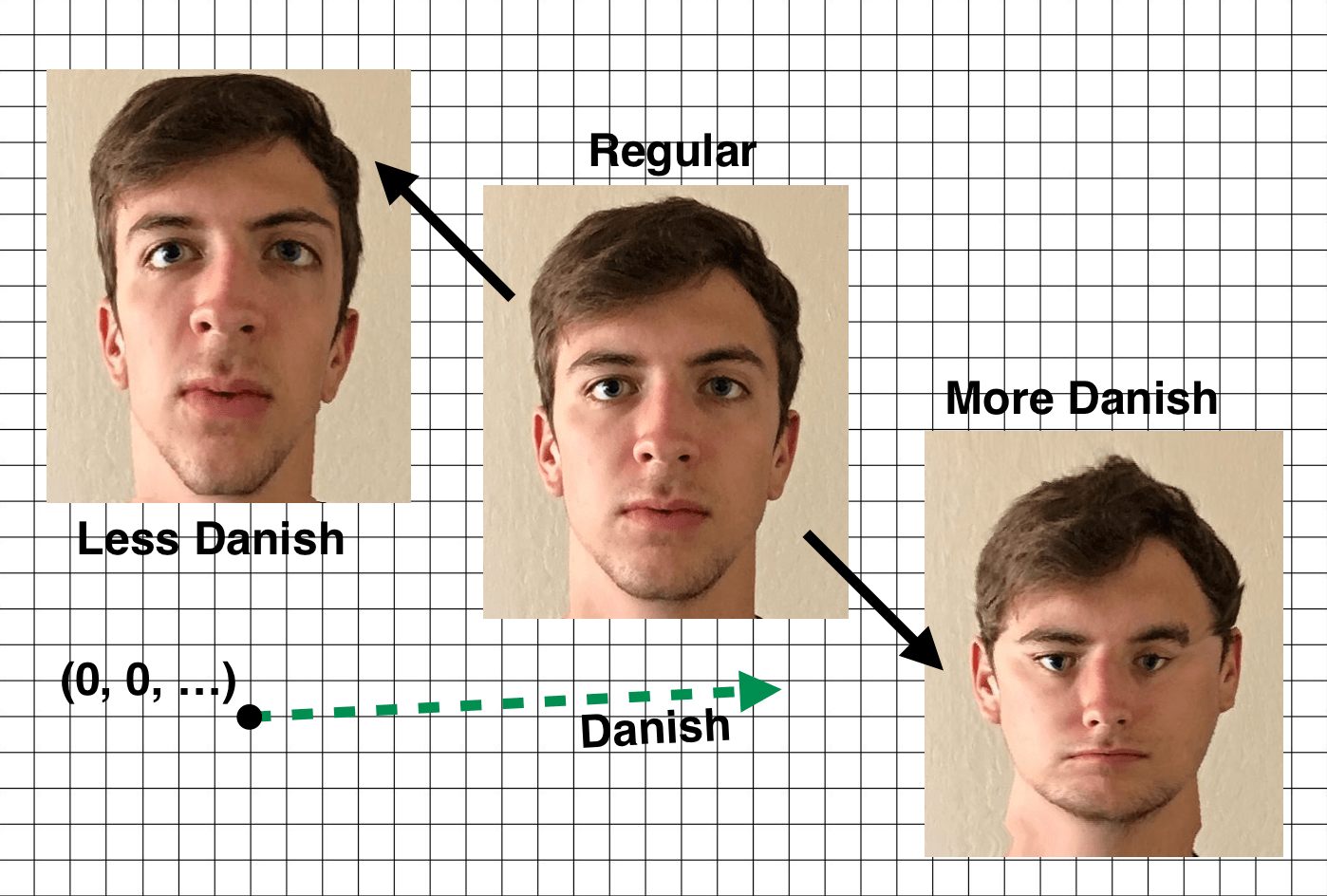
We can push the concept from the last section even further to create caricatures. What if we morphed Steven’s face past the average Dane geometry, say, twice as far? That would start to expose how the geometry really compares to Steven’s. We could go the other way too: morphing Steven’s face in the opposite direction from the average Dane geometry. That process would accentuate the features of Steven that are “not Danish”.
◼